
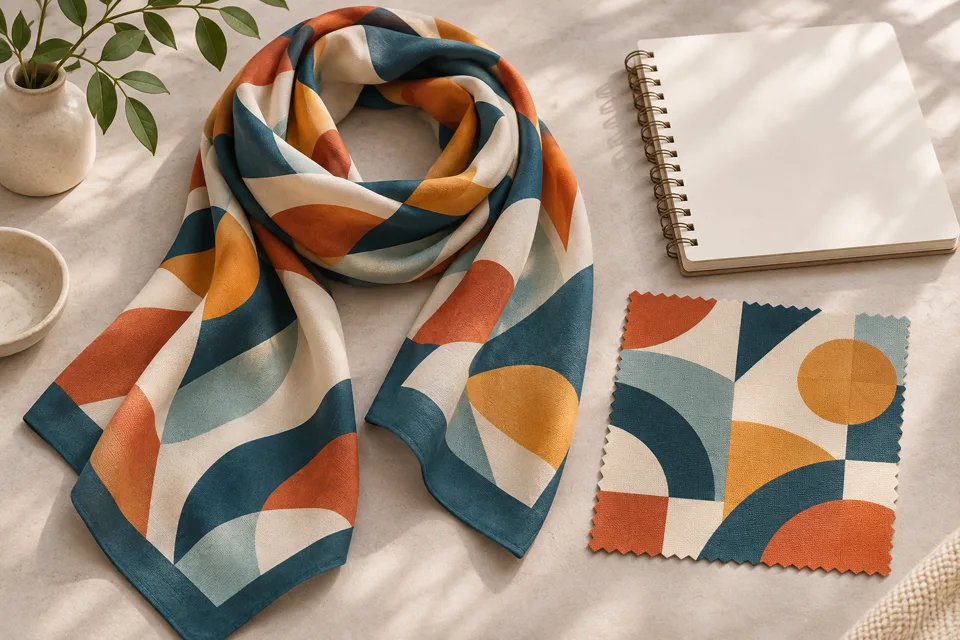
Begin with artwork you have the right to use, then prepare a separate scarf layout that specifies scale, placement and colour. A motif may be shared with a dress or blouse, but the finished scarf’s dimensions, edge and how it folds can change what the customer sees. Approve a sample against the agreed artwork before proceeding.
Confirm the artwork and permissions
Identify the owner, permitted use, territory, products and approved file version. Do not copy another brand’s print without permission. John Lewis Partnership says its collaboration with RIXO uses an archive-inspired floral motif across clothing and a scarf; this is an example of coordinated application, not evidence of a TU relationship or permission to reuse the design.
Set the scale and placement for the scarf
Provide finished dimensions and specify the size and position of the main motifs, border and repeat if any. A large motif intended for a garment panel may appear differently when a scarf is folded or tied. Review the layout at actual size and clarify how the design should meet the edges and hem.
Agree colour and sample review
Identify the approved colour references and material, and discuss how the design will be sampled on the proposed construction. Compare the sample against the agreed reference under consistent viewing conditions, record requested changes and retain the approved version. Do not assume an image on a screen proves the final colour.
Next step
Provide the authorised artwork, scarf dimensions, motif scale, placement and colour references to the development team for a sample review.
Buying questions
Must the scarf use the exact same layout as the garment?
No. The motif can be adapted to the item’s dimensions and use, subject to the rights and design brief.
Can an online image be used as production artwork?
Only when its owner has granted the necessary rights and suitable production files are available.
Sources
Related product categories
Scarves and shawlsHats and headwearReview your project
Share your product, market and requirements to discuss the next step.
Discuss your project →